
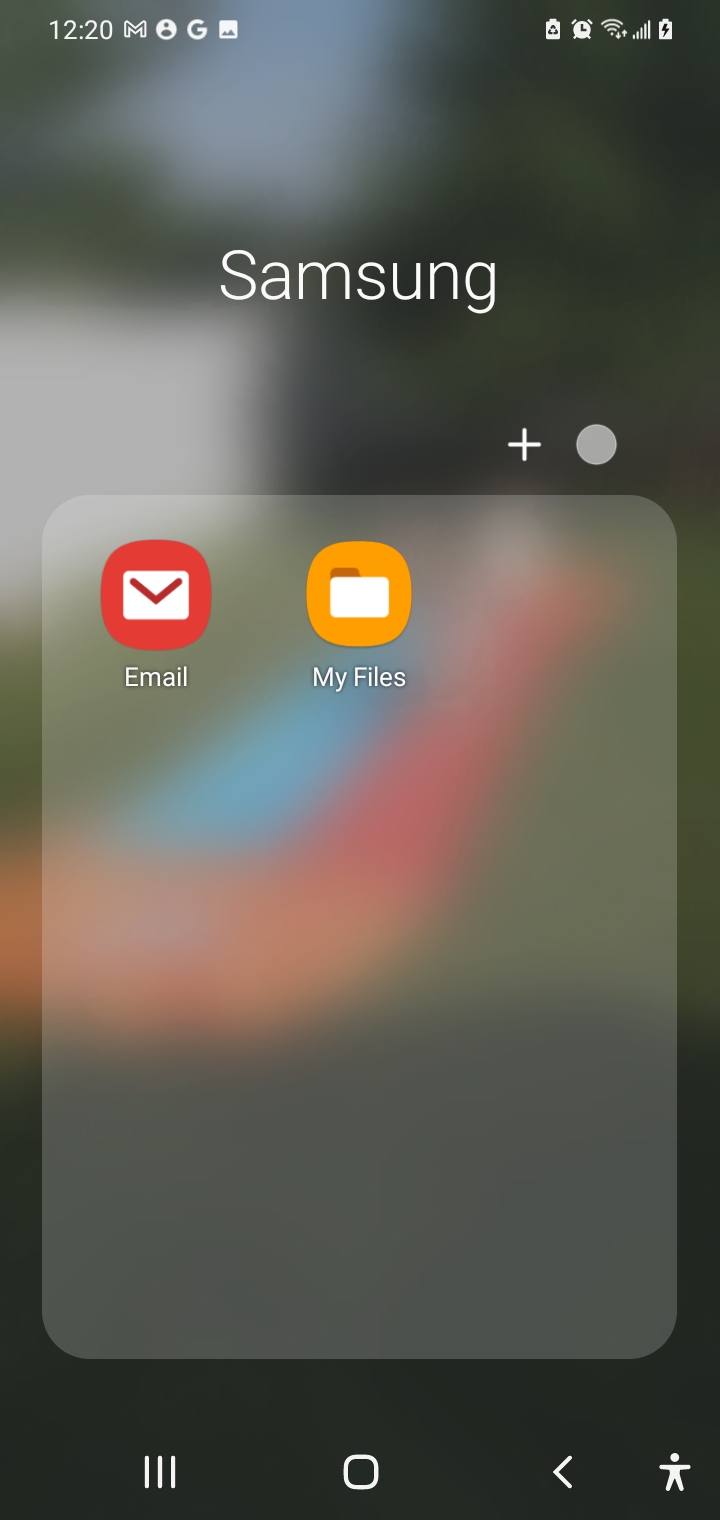
1. Open your Email App (Likely not Gmail)
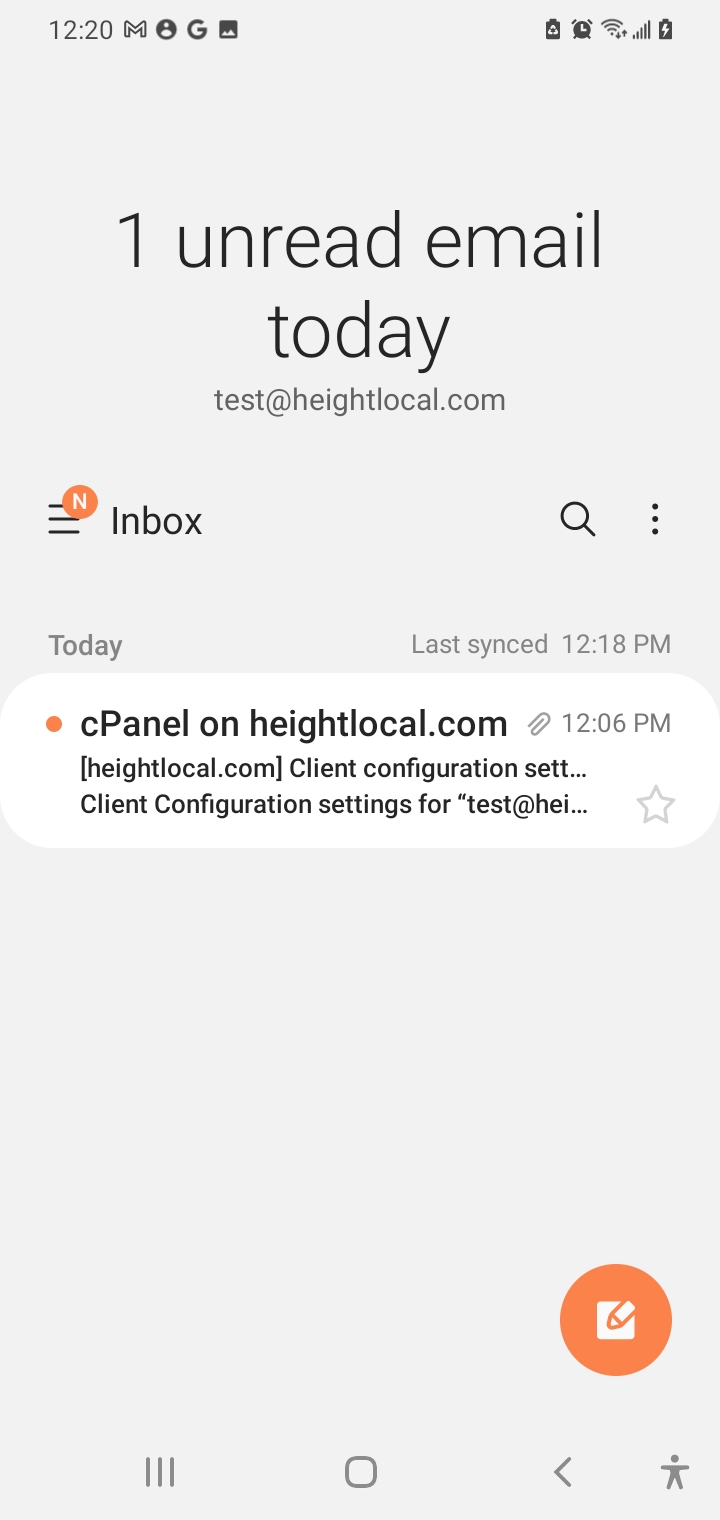
2. Click/Tap on the 3 horizontal line Icon next to “Inbox”
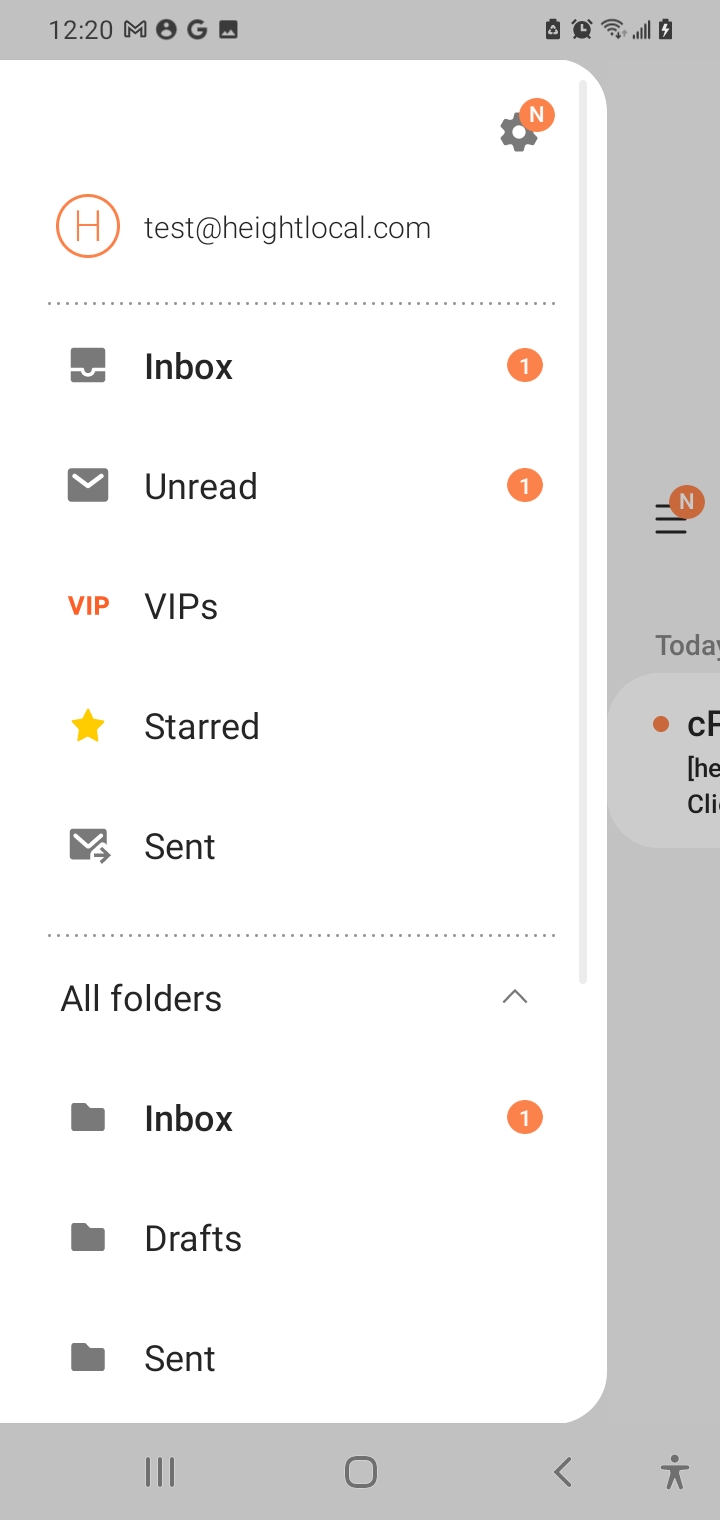
3. Click/Tap on the Gear icon towards the top right
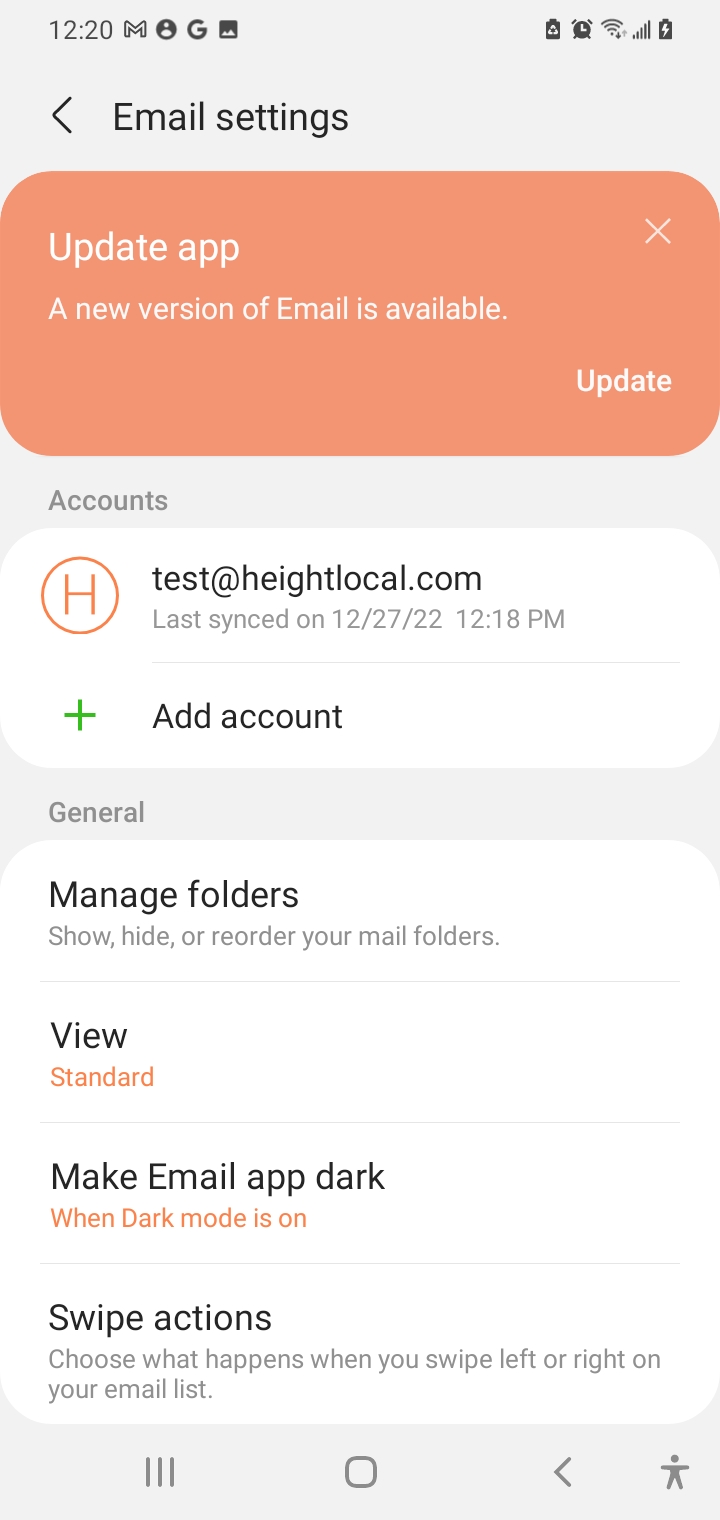
4. Click/Tap on your Email Address under “Accounts”
5. Scroll down and Click/Tap on “Server Settings”
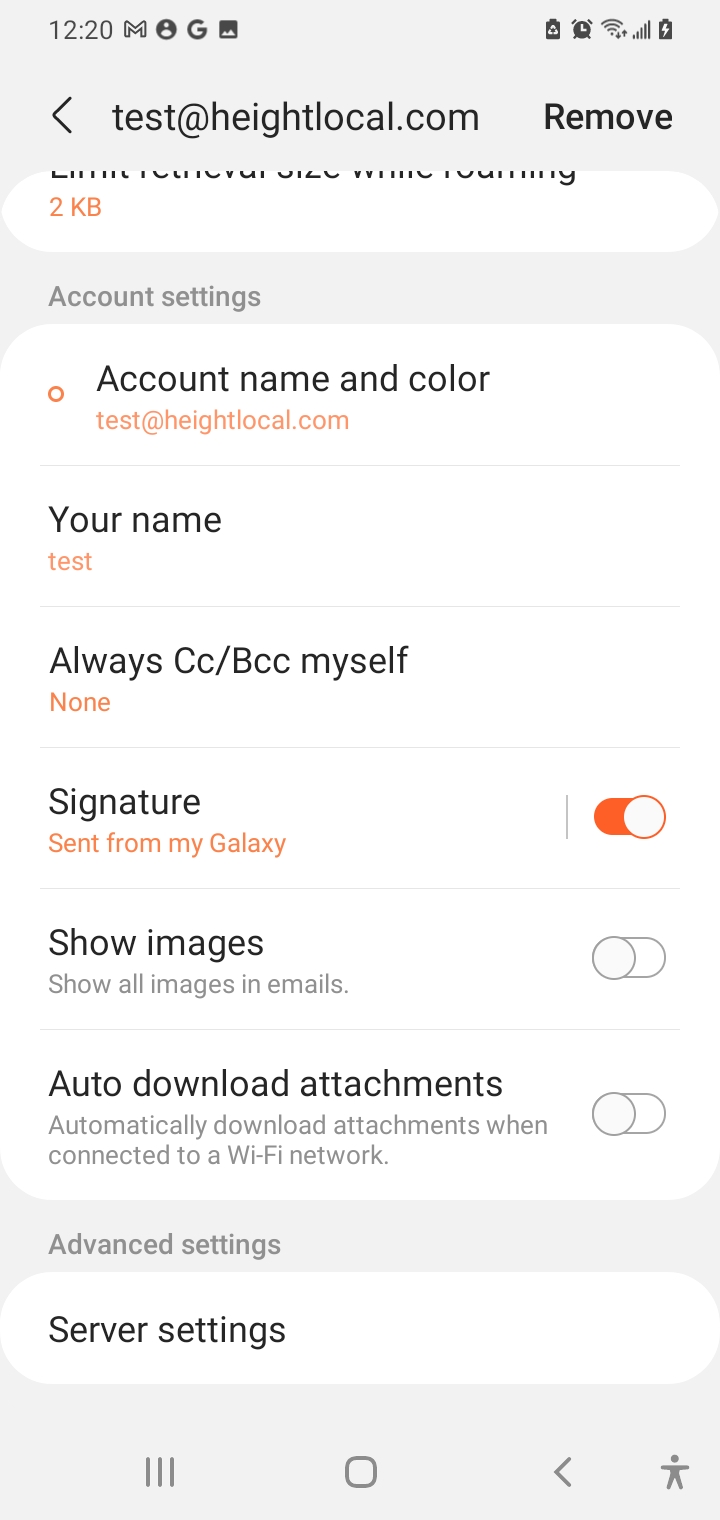
6. Screenshot this
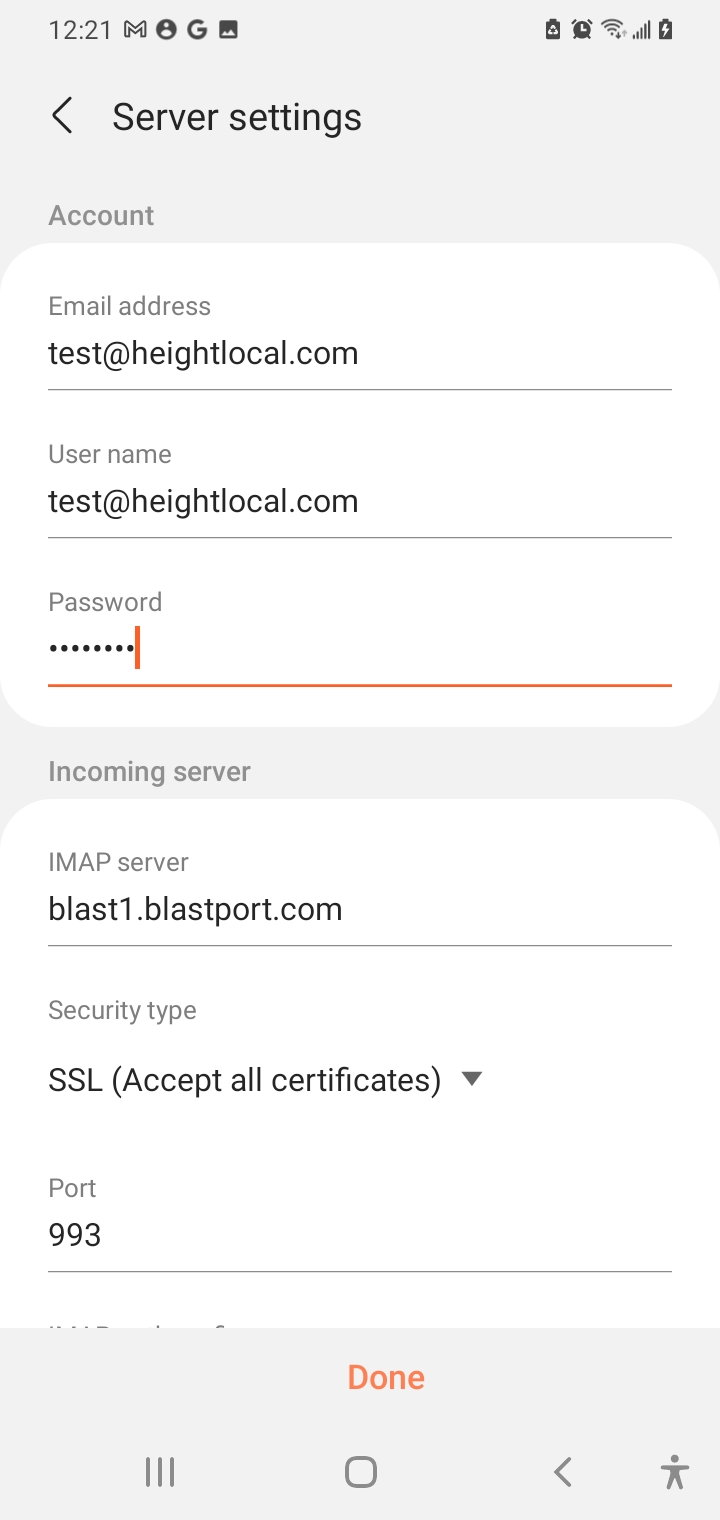
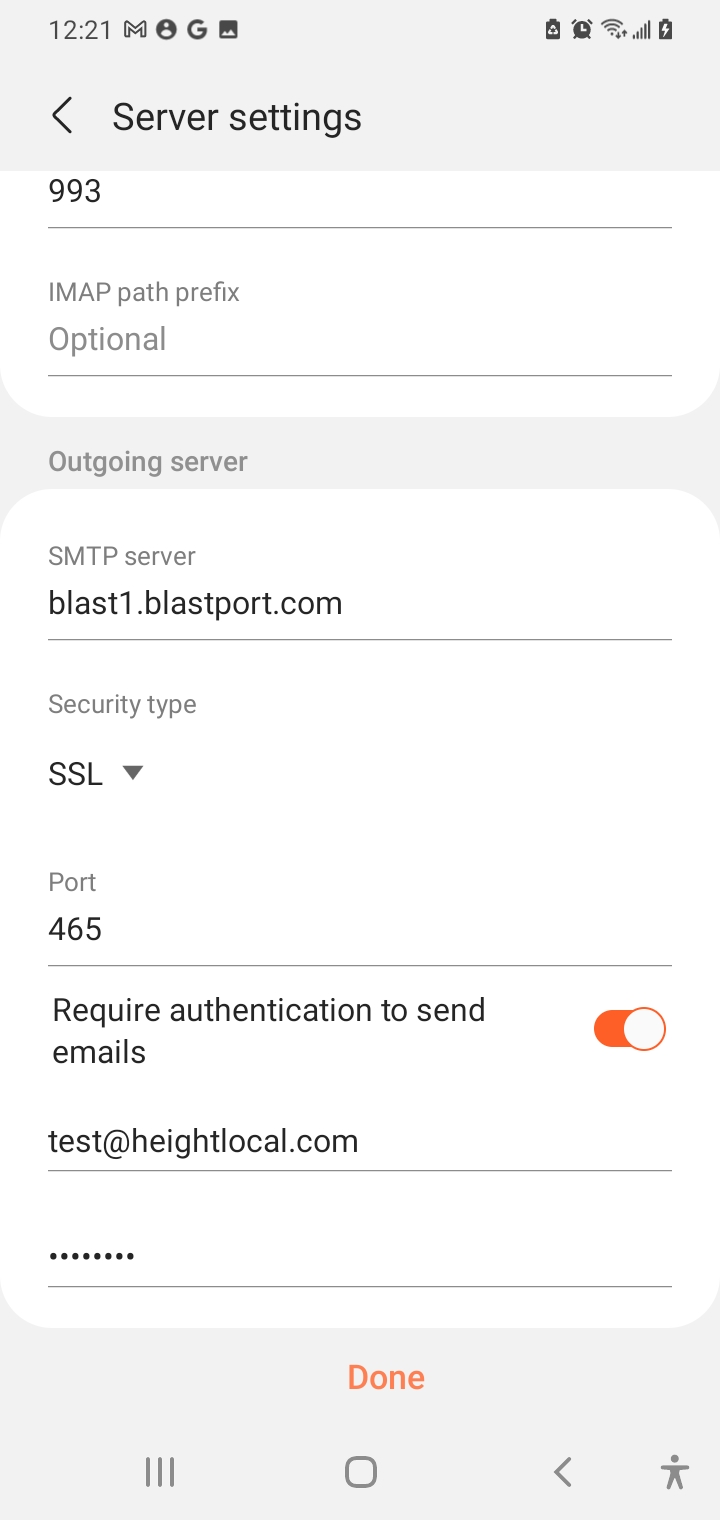
7. Scroll down and do another screenshot to capture all settings
Recent Comments